ZPMeshChecker Product Introduction
Mesh viewing, quality checking, validity reporting, and result-to-result comparison from one desktop tool.
ZPMeshChecker is a desktop mesh inspection and assessment tool. The product brings mesh import, multi-view display, quality analysis, validity checks, report export, and comparison-oriented diagnostics into one desktop workflow.
It fits teams that need to open engineering mesh files, inspect quality before solver use, compare one mesh result with another, and keep the review outcome in exported reports.
Multi-format mesh import and viewing
Open engineering mesh files directly and inspect them inside a viewer-driven desktop context instead of converting everything before review.
- VTU and STL
- INP, BDF, Gmsh
- Fluent, OpenFOAM, CGNS
Quality analysis and report export
Turn raw mesh data into a quality report that can be reviewed on screen or exported for downstream engineering discussion.
- Quality report output
- CSV export
- Table-based quality review
Validity diagnosis and cross-check work
Inspect whether the mesh itself is acceptable before the case proceeds into a solver or before one output is accepted as equivalent to another.
- Validity report export
- Cross-check workflow
- Topology compare entry
Similarity and distance comparison
Compare one mesh result against another using point count, cell count, bounding box, volume, Hausdorff distance, and optional spectral or topology-oriented measures.
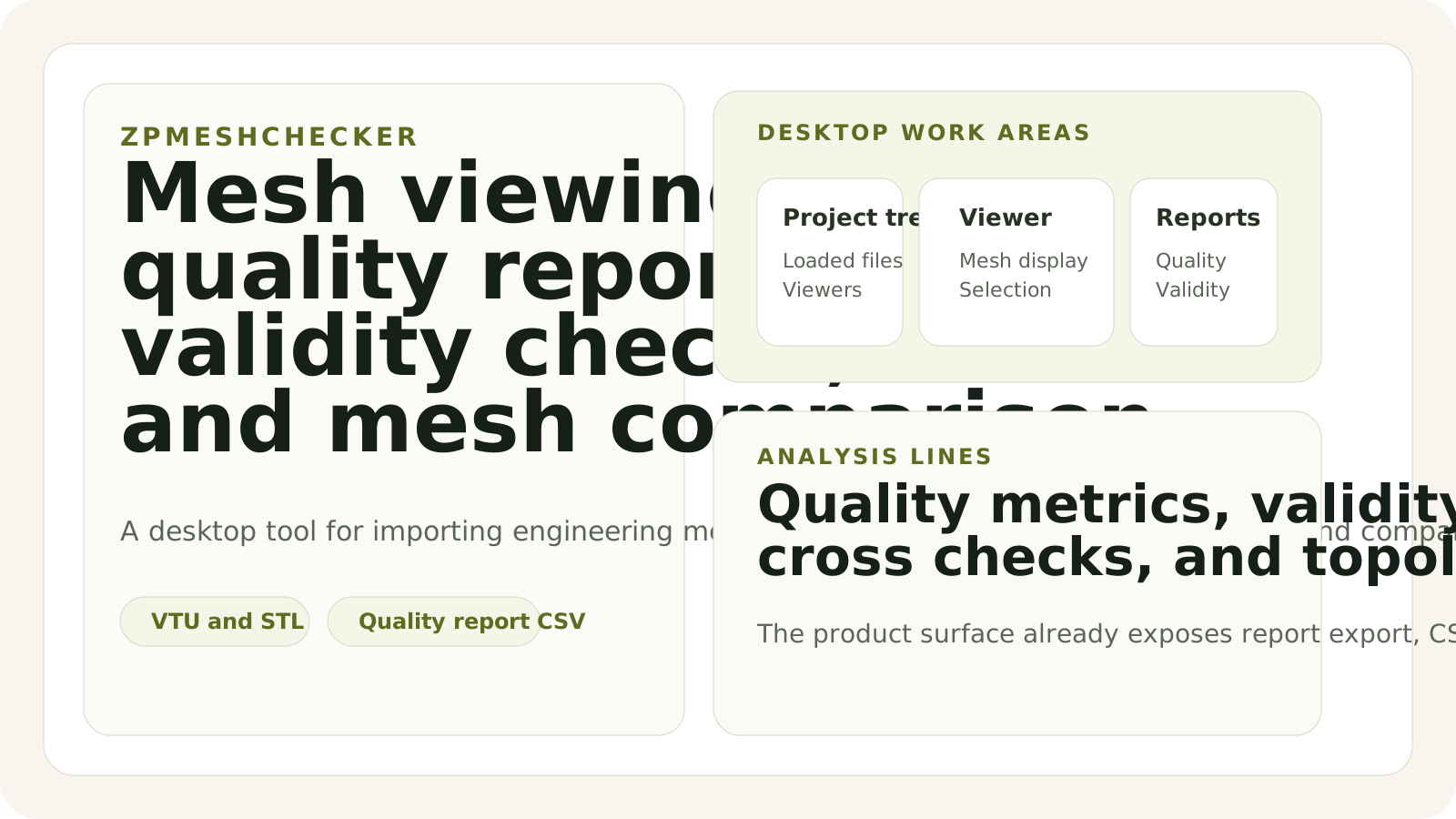
Inspection workspace overview
The product keeps loaded meshes, viewer windows, report tools, and comparison-oriented operations under one desktop review surface.
Load the engineering mesh with the file reader that matches the source format.
Use the viewer, query tools, and report paths to see whether the mesh is acceptable for downstream use.
Run cross-check or topology comparison when the question is whether two outputs are close enough to be treated as equivalent.
Keep the result in a report or CSV so the assessment can move into the next engineering discussion or decision stage.
The file surface already spans multiple engineering mesh families.
The product is useful as a review tool because it can bring in different mesh sources without asking the operator to standardize everything first.
- Direct readers
- VTU, STL, INP, BDF, Gmsh, Fluent, OpenFOAM, CGNS
- Use
- Open and inspect real engineering mesh files
Report and export actions are already first-class product entries.
The product introduction can stay concrete because the current desktop menus already expose the review operations needed by a mesh-checking workflow.
- Menu actions
- Quality Report, Validity Report, Export Quality CSV, Query, Cross Check, Topology Compare
- Meaning
- Inspection and comparison are product-level surfaces, not hidden debug code
The tool already compares more than one simple count.
The current comparison path includes structural, geometric, and distance-oriented measures, which makes it useful for result-to-result review.
- Structural
- Point count and cell count similarity
- Geometric
- Bounding-box and volume similarity
- Distance
- Hausdorff and average distance
The comparison path already extends into topology-oriented analysis.
Optional spectral and persistent-homology style comparison makes the tool useful when the question is not only whether the file opens, but whether the mesh remains meaningfully similar.
- Advanced lines
- Spectral similarity and persistent-homology comparison
- Best fit
- Review, validation, and output-to-output assessment