ZPCADKernel Product Introduction
Industrial geometry kernel foundation module for solid modeling, B-rep editing, STEP intake, and geometry-to-mesh preparation.
ZPCADKernel is an industrial software foundation module for CAD, CAE preprocessing, and geometry-algorithm integration. The current product surface covers solids, curves, surfaces, B-rep topology, boolean operations, repair paths, exchange-format intake, and mesh-oriented downstream preparation.
It fits teams that need a controllable geometry kernel under their own products, conversion workflows, cleanup pipelines, or mesh-preparation lines.
Geometry and topology foundation
Handle the entities needed for real 3D modeling and editing instead of acting as a thin format parser.
- Analytic and NURBS geometry
- B-rep vertices, edges, loops, faces, shells, solids
- Intersection, reconstruction, and result-body validation paths
Boolean and repair workflows
Run the core operations required when imported or constructed bodies need to be edited and made usable again.
- Boolean operations
- Stitching and defect inspection
- Topology rebuild and cleanup
Exchange-format intake and conversion
Use one kernel layer for engineering model intake, validation, and conversion instead of maintaining separate import logic in every product line.
- STEP, IGES, SAT, Parasolid
- STL, OBJ, PLY, native DZP
- Auto-detection, unit handling, processing statistics
Geometry-to-mesh preparation
Prepare cleaned and edited bodies for downstream mesh generation, preprocessing, or product-level integration.
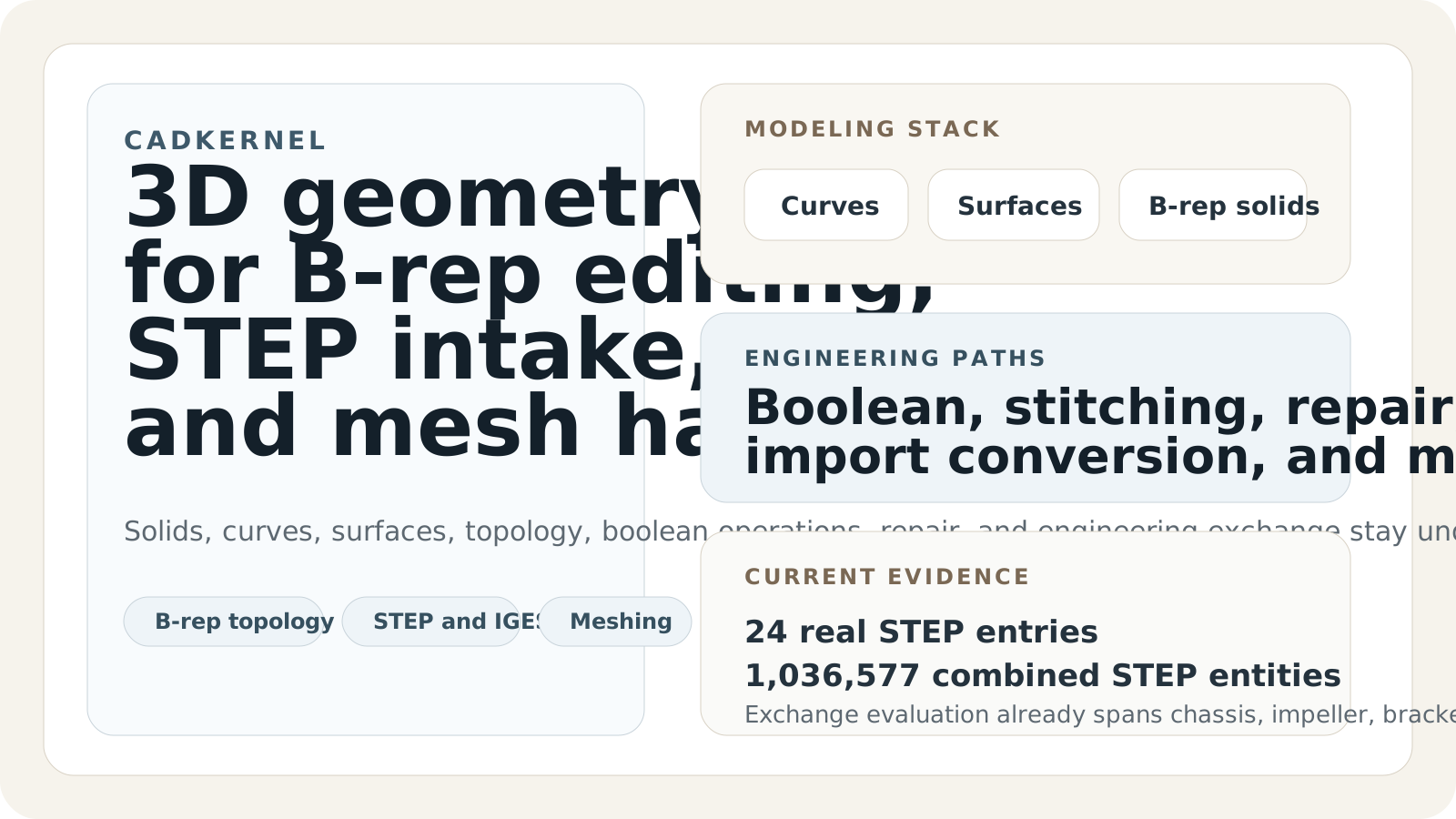
Kernel capability overview
ZPCADKernel combines geometry representation, topology editing, exchange-format intake, repair paths, and mesh-preparation surfaces inside one kernel product.
Import the target engineering model through the exchange surface that matches the source data.
Apply boolean, feature, repair, and topology-rebuild operations to make the body usable for the next stage.
Check whether the converted or edited body closes correctly before passing it downstream.
Use the cleaned geometry as the input for mesh generation, preprocessing, or a host product built on top of the kernel.
The current sample package already uses real engineering models.
The import-evaluation surface is stronger than a toy parser demo because the current material already counts real STEP content across multiple model types.
- STEP entries
- 24
- Combined entities
- 1,036,577
- Case types
- Chassis, impeller, bracket, and similar engineering objects
Named intake cases are already visible to the evaluator.
The current material already exposes specific model names, which makes the product easier to explain in an evaluation or sales discussion.
- Examples
- comsol_bracket.step, ladder_frame_geom.step, single impeller, wheelBase, Chinese-named STEP case
- Use
- Import evaluation and regression comparison
Geometry-to-mesh preparation already has comparison material.
The mesh side is useful in the product story because it shows that the kernel is not limited to topology storage or import parsing.
- Variants
- simple, correct, delaunay
- Use
- Mesh benchmark and output comparison
Best used where the team needs a controllable kernel layer.
The current product fits teams that want a kernel they can integrate, evaluate, extend, and use under internal CAD or CAE preprocessing products.
- Best fit
- Kernel integration, model intake, cleanup, and preparation
- Current emphasis
- Boolean mainline, topology stability, and explicit STEP validation